Grades and feedback in Turnitin
Turnitin is a web-based plagiarism detection service that checks student papers for unoriginal material. Your tutor may provide feedback on your assignment using Turnitin Grade Mark.
Submission status
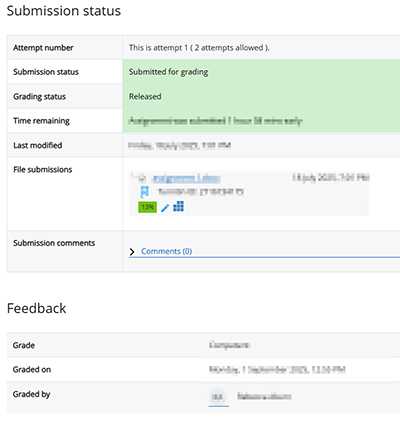
Within each assessment, under the Submission status you can see the status of your submission, grading status, and the details about when your assignment was submitted.
A Turnitin similarity report will be generated for each file you upload. The Turnitin status will initially be queued, and once it has completed, you will see your Turnitin similarity score.
Once your assessment has been marked, you can view your grade, the date your assignment was graded and who graded it:
View your grades and feedback in Turnitin
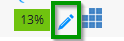
Click on the Blue pencil icon (GradeMark) to view your marked assignment:
You will see comments throughout the assignment (within little blue speech bubbles) made by your tutor.
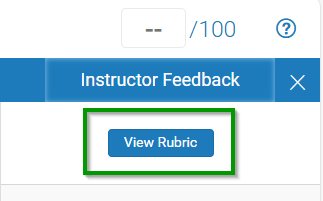
Click on View Rubric to see each criteria, whether you have achieved each criteria or not, and any specific criteria feedback provided by your tutor:
Scroll to the end of the Rubric to see any general feedback and comments from your tutor:

You can also download your annotated submission and feedback. Click on the Download arrow in the vertical menu:
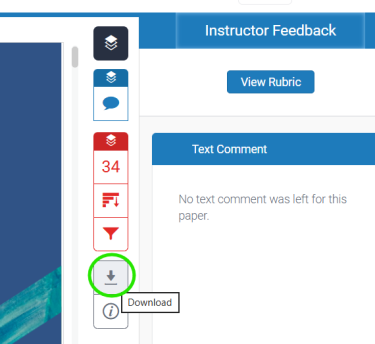
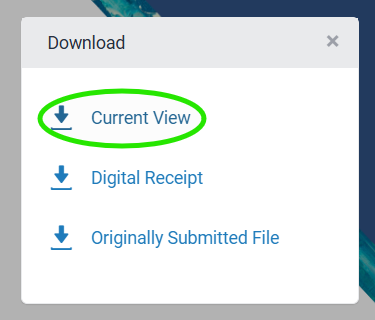
Then click on Current View and this will prepare a PDF for download: